AI Tools
AI Prompting & Generation
How to use AI to generate outlines, style designs, and create photorealistic renders with the settings you need.
What is a prompt?
Just type what you need and we'll generate a new image.
The more specific your prompt, the closer the result. Describe materials, colors, and construction, not just the vibe: "White pebbled leather upper, gum rubber outsole, gold metal eyelets."
The chat sidebar
After selecting a shoe, click Prompt in the toolbar. This is a familiar panel, like other AI tools. Type what you want in natural language and the AI generates it.
Choose your generation settings
Before you send a prompt, open Prompt settings. Choose the setup that fits the question you are exploring:
- Aspect ratio: Keep Auto, or choose a shape such as 1:1, 16:9, or 9:16.
- Prompt mode: Choose Footwear for shoe design work, or General for a broader image brief.
- Resolution: Choose Auto, 1K, or 2K when you need more control over detail.
- Background: Choose Auto, Studio, or Transparent when the selected generation model supports it.
- Responses: Ask for one focused result or several directions at once.
The settings apply to the prompt you send. Other preferences are remembered for next time, and you can reset them whenever you want to start fresh.
Reference images
Drag a swatch, texture, or inspiration image into the prompt box. The AI uses it as a visual reference alongside your text.
Bulk Prompting
You can select multiple shoes at once, write a single prompt, and get multiple outputs. The same prompt applies to every selected shoe, perfect for exploring one idea across an entire range.
Using swatch library in a prompt
You can reference your own custom swatches from a prompt by typing # followed by the swatch name.
Example Prompts
| Name | Prompt | Input | Output |
|---|---|---|---|
| Style Revisions | Red leather upper with white straps. | 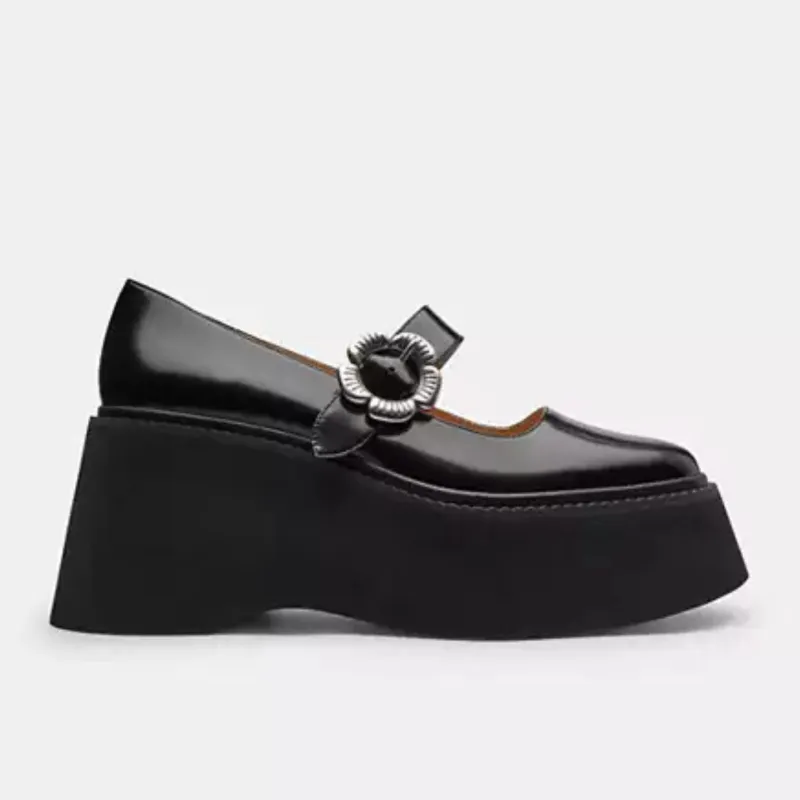 | 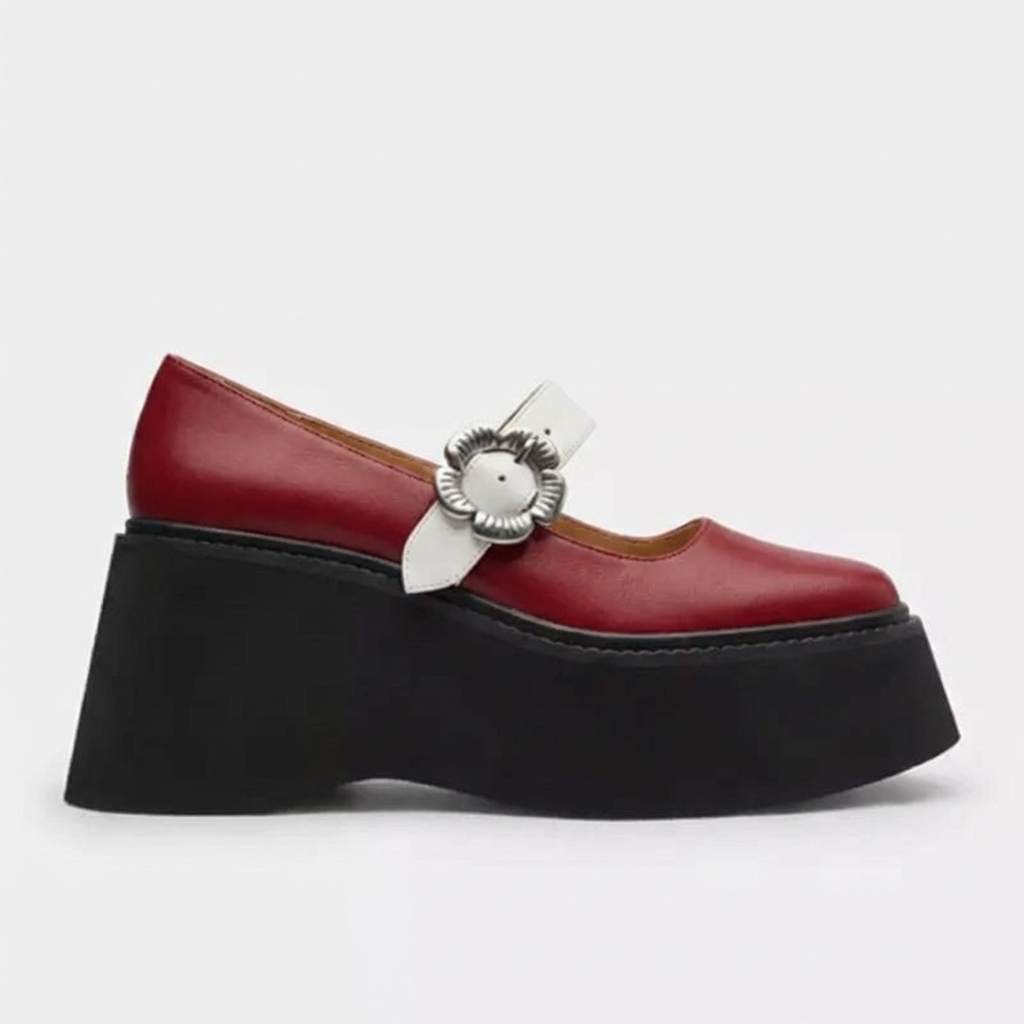 |
| Realistic Renders | Convert this sketch into a photorealistic image, maintaining exact colors. | 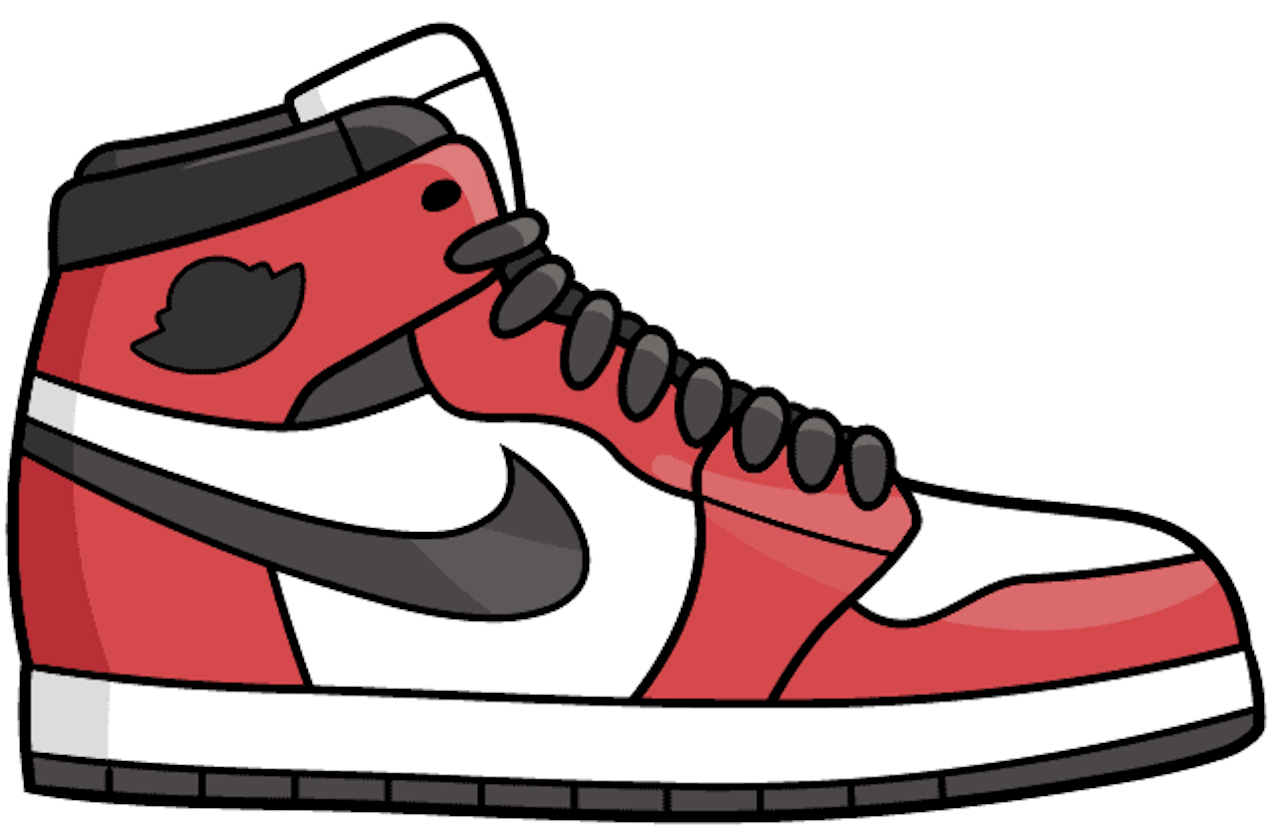 | 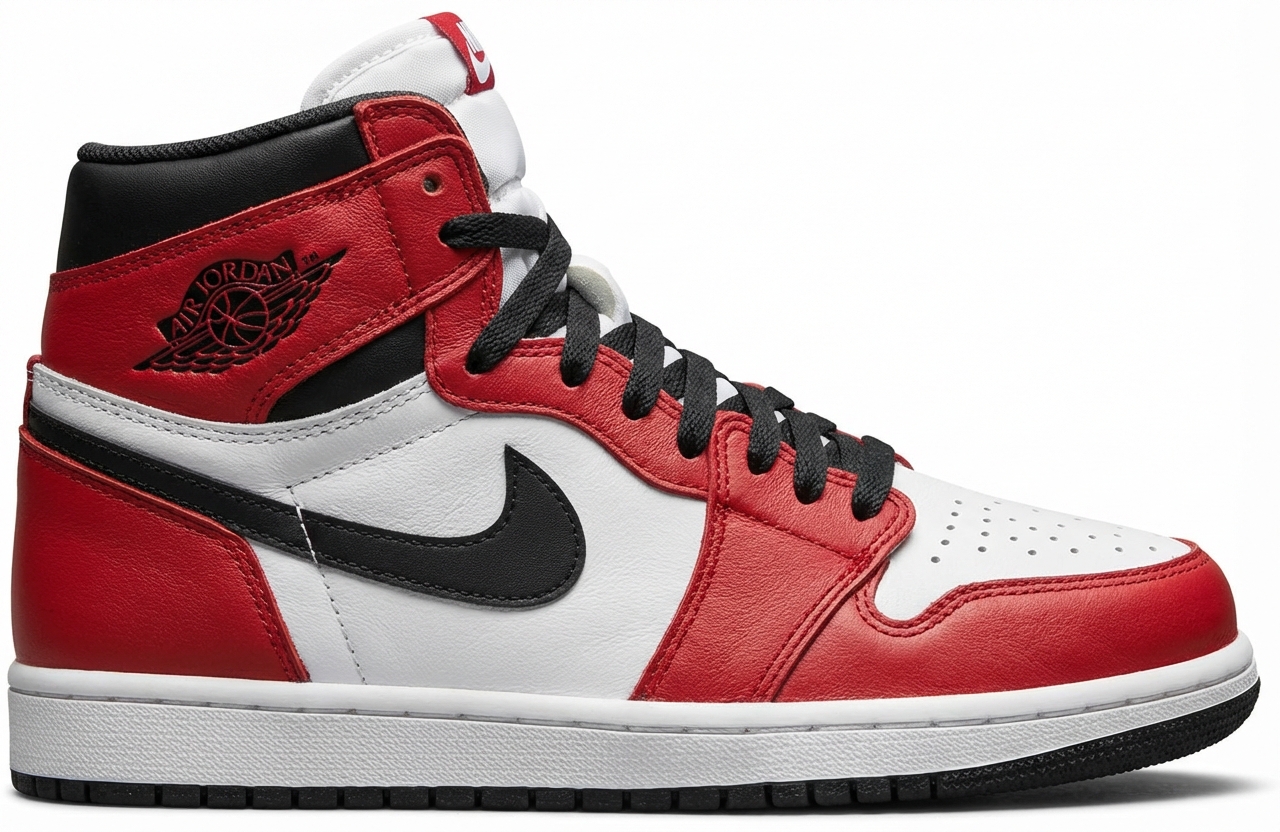 |
| Marketing Shots | Editorial fashion photo, leg and feet shot, model wearing exact shoe, blue leggings, running in dutch country-side, dramatic morning light, soft shadows, sharp focus on footwear. Aspect ratio 9:16. | 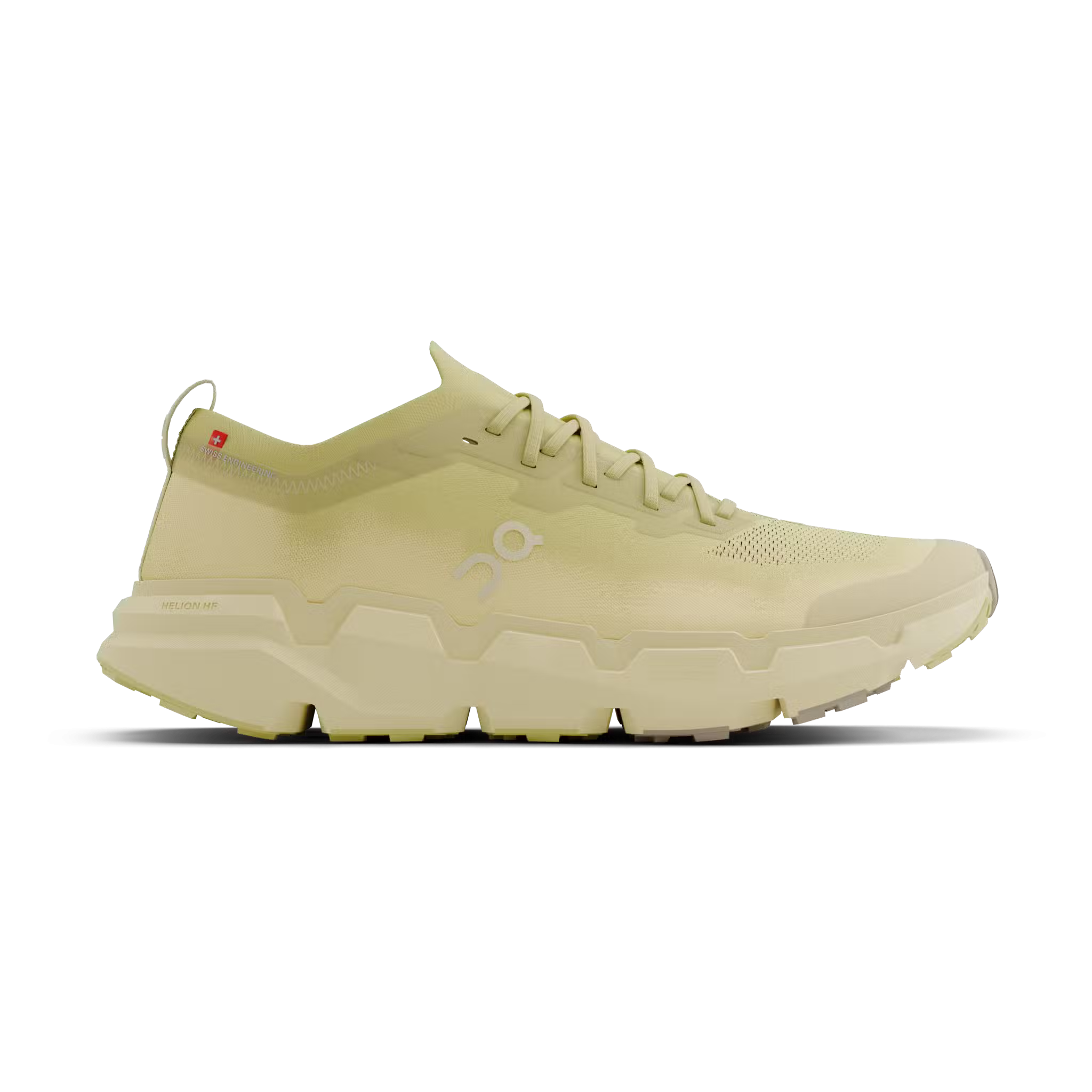 | 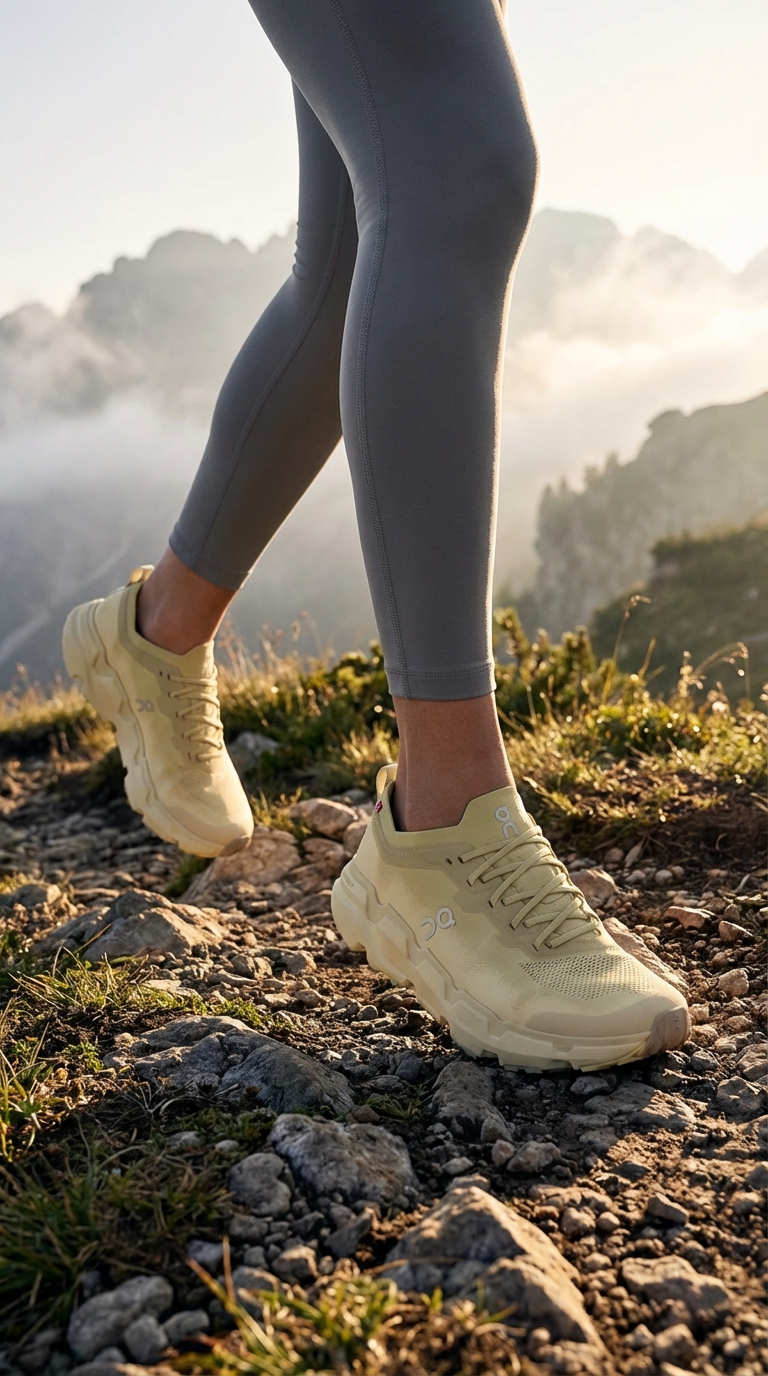 |
| Outline | Create a clean, black and white outline image of this footwear, suitable for coloring and design specifications. | 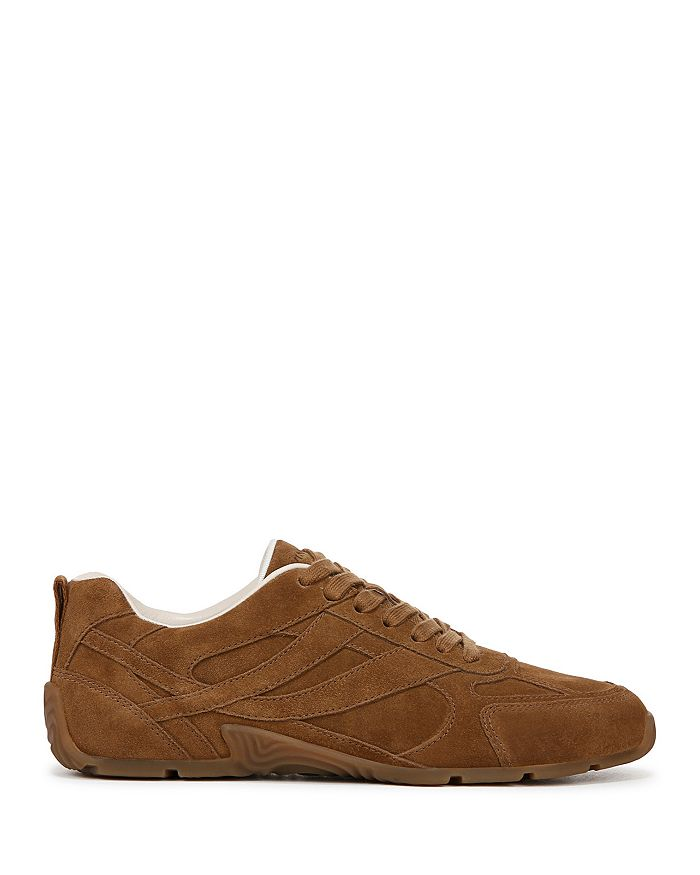 | 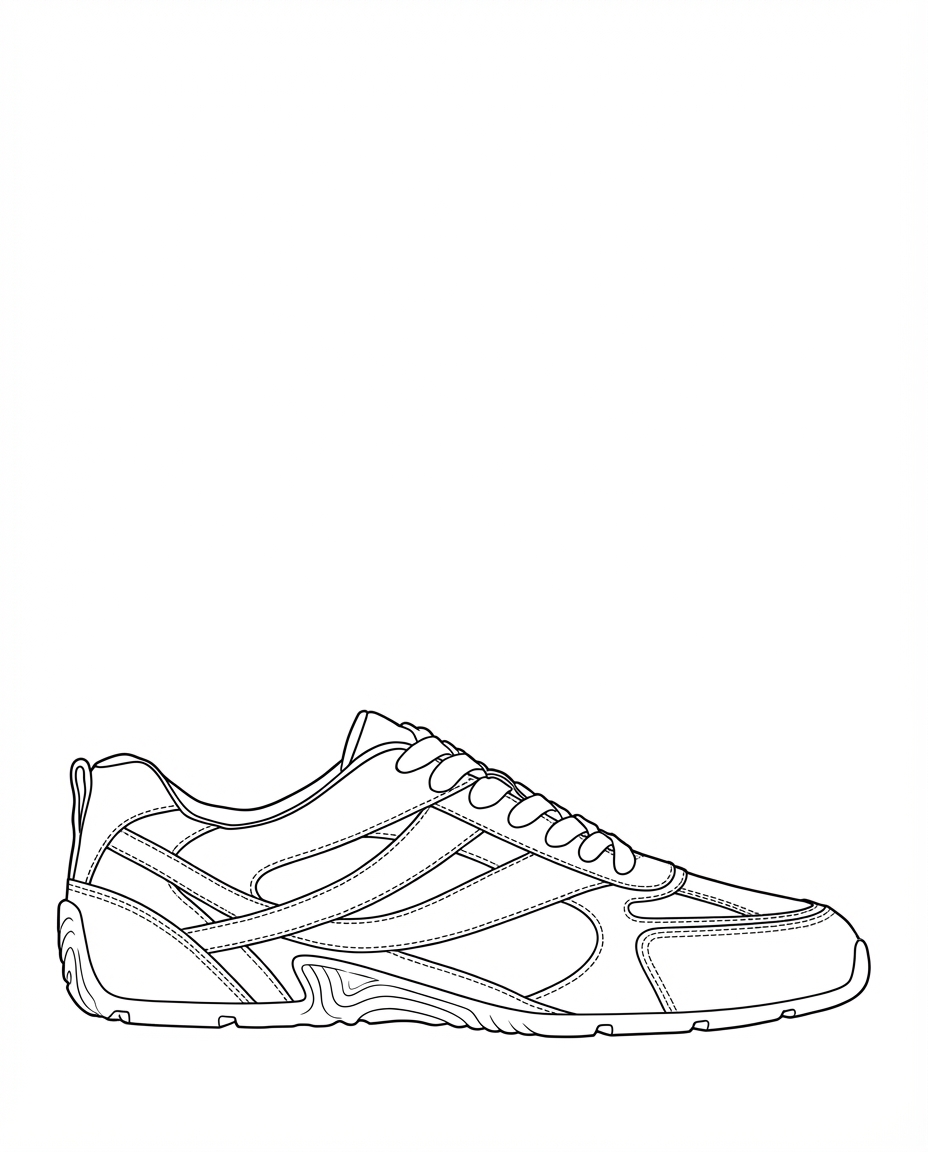 |
Revising Prompts
Not what you were after? You can always refine the image. This will produce a new version with your improvements.
Each generation is a new version you can branch from. Think of it like a tree: prompt the same shoe in different directions to explore variations quickly.